How It Works
1. Choose a Template
Select from controller-ready templates optimized for OpenConsole. Each template includes built-in gamepad support and TV-friendly controls.
2. Describe Your Game
Tell the AI what you want to create. "Build me a space adventure game" or "Create a racing game with power-ups". The AI handles the rest.
3. Publish & Get URL
One click to publish your game. Get a URL instantly. Your game is hosted and ready to play.
4. Play on OpenConsole
Add the URL to your OpenConsole account at app.openconsole.ai. Launch from your TV and play with your controller.
From Prompt to Playable Game
Your Prompt
"Build me a space shooter with asteroids, power-ups, and increasing difficulty"
Simple text description → AI understands and creates
Your Game
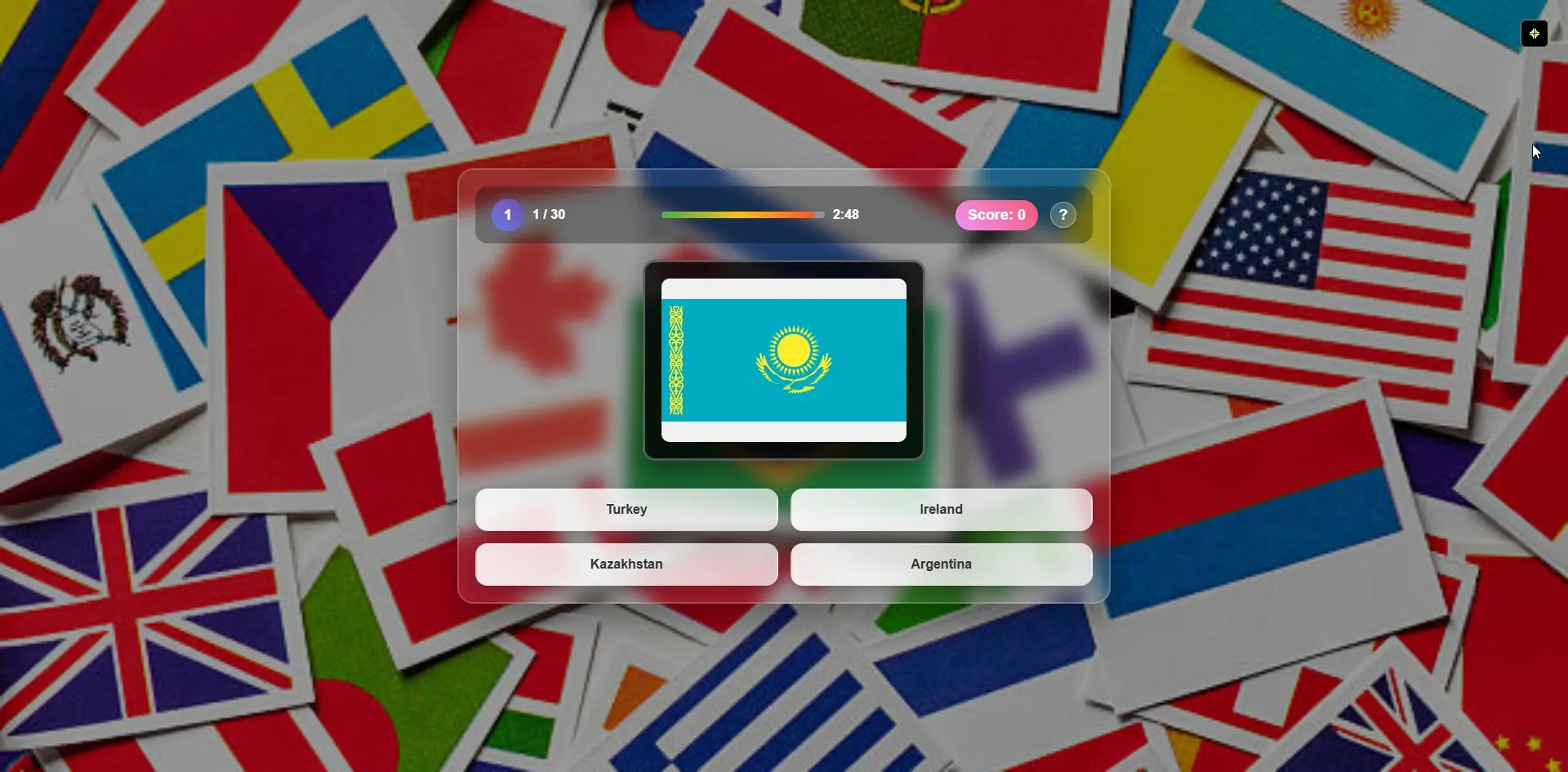
Fully playable with controller support in 5 minutes